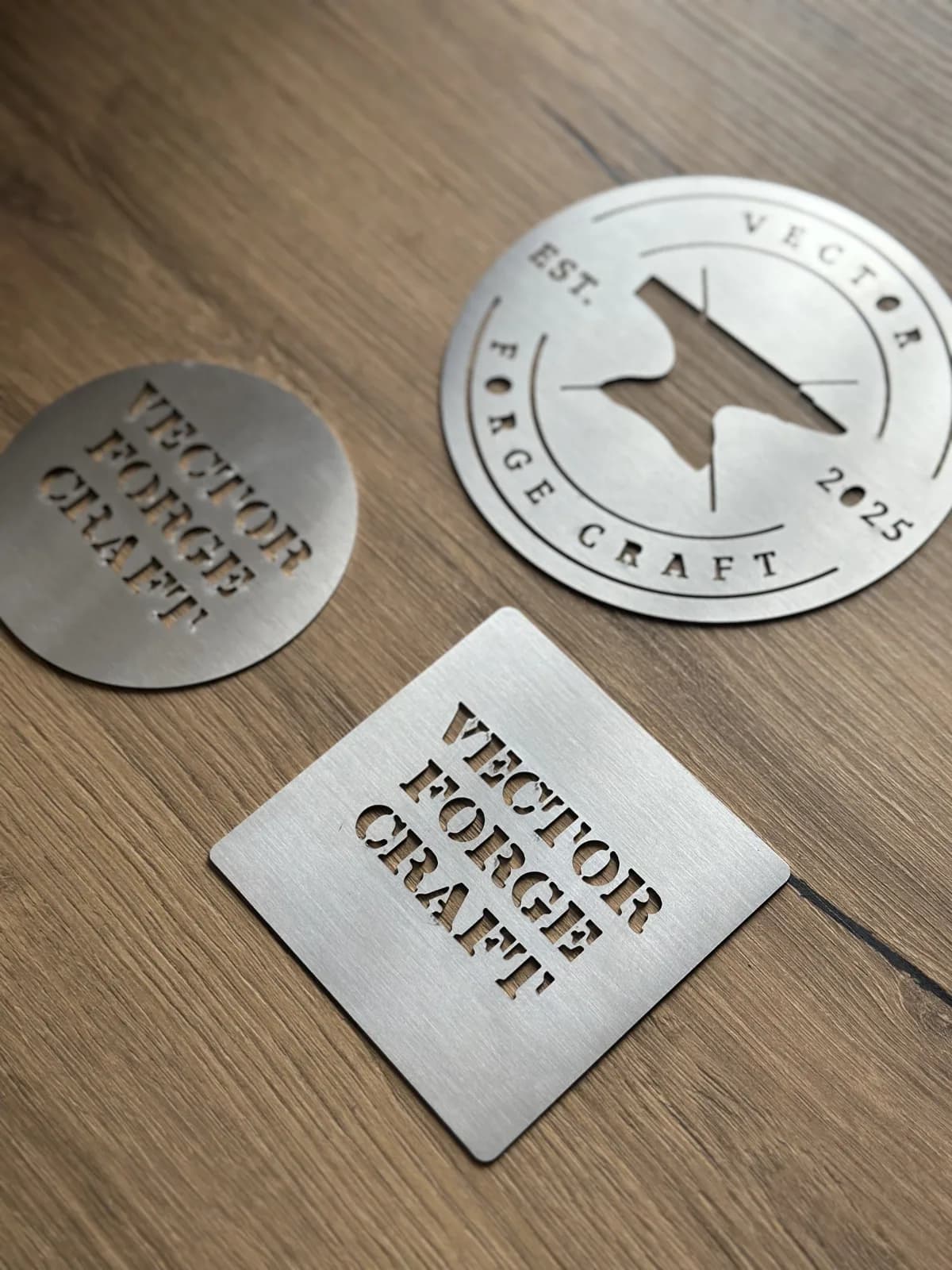
Design tips for laser cutting
Learn how to design for laser cutting. Follow these guidelines to optimize your designs, reduce costs and get professional results.
Create better designs, save more
Whether you are an experienced designer or just starting, understanding laser cutting can help you create more efficient designs. Small optimizations in your files can bring big savings and better final products. Let us walk you through the main principles.
Optimize your costs
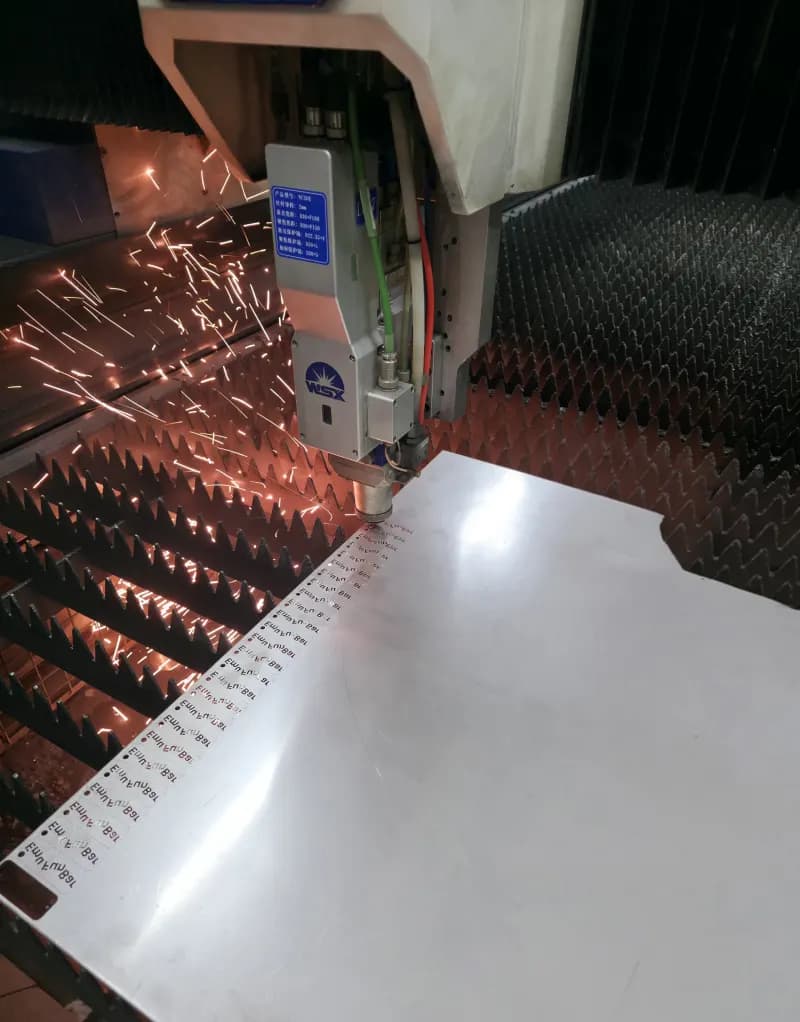
Smart design choices can greatly reduce your production costs without losing quality
Order higher quantities
Increasing the total quantity makes the unit price much lower. You can expect savings of 20% or more for 2+ identical parts in most materials, and over 80% discount in selected materials for larger volumes. Parts must be identical to benefit from quantity pricing.
Minimize pierces and holes
Every time a hole or feature is cut, the laser needs to pierce the material—often the slowest part of cutting. If you have perforated patterns, consider larger spacing between holes or slightly bigger holes. Fewer pierces mean faster production and lower cost.
Simplify complex geometry
Very complex designs with many curves and tiny details take more time to cut. Think about which details are really needed, and where a simpler shape will still look good. Smoother curves and fewer sharp corners lead to faster and cheaper cuts.
Arrange parts efficiently
When you order many parts, we optimize their layout on the sheet. Still, designing parts that naturally fit well together can help us use the material better and reduce waste, which can bring savings for larger orders.
How we calculate prices
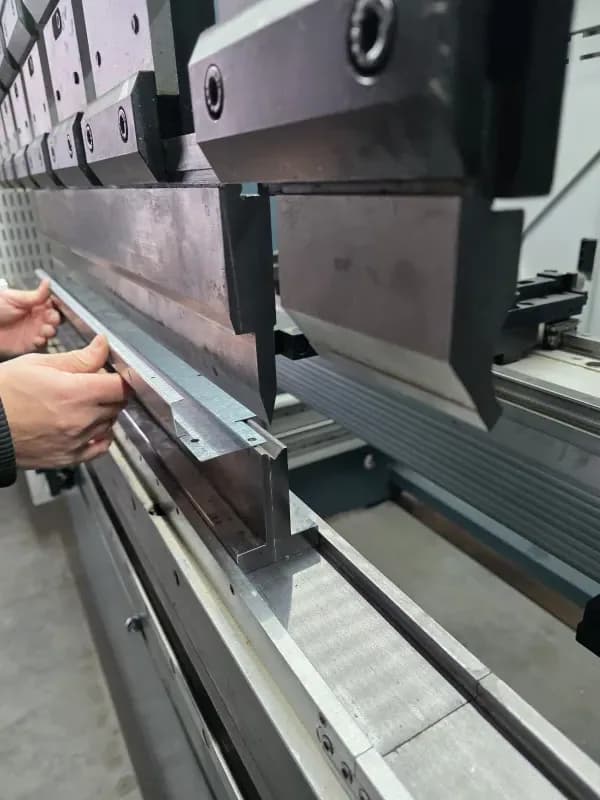
Our pricing algorithm looks at several factors to give you a fair and transparent quote. Knowing these factors helps you make better decisions when designing parts.
Checklist before upload
Before you upload your files, go through this list to ensure smooth processing and accurate quotes
Accepted file formats
We accept a range of file formats to support different design workflows
RecommendedCAD files
Vector files
Ready to start your project?
Upload your design files and get an instant quote. Our team is here to help if you have questions about optimizing your designs for laser cutting.